Setting Up POS Commodities
Introduction
Overview
Setting up a POS commodity is configuring a global commodity for your Country Office. It sets how a global commodity appears on your Country Office's POS terminals. POS commodities are set at the Country Office level. All interventions in a Country Office can use any POS commodities set up for the Country Office.
Who is responsible for setting up POS commodities?
Programme is responsible for setting up POS commodities. Check with your Country Office to confirm who in Programme is responsible in your country.
Why is setting up POS commodities important?
Interventions cannot distribute a global commodity directly. Global commodities must be mapped to POS commodities first. They must be set up for a Country Office for each global commodity that needs to be distributed.
What do I need to do before setting up POS commodities?
Any global commodities you want to include in your interventions must be set up first.
Where can I learn more?
For more information on setting up POS commodities, click here to explore related Digital Assistance Services Academy Learning Channel materials.
Instructions

To set up a POS commodity, log in to SCOPE and perform the following steps:
-
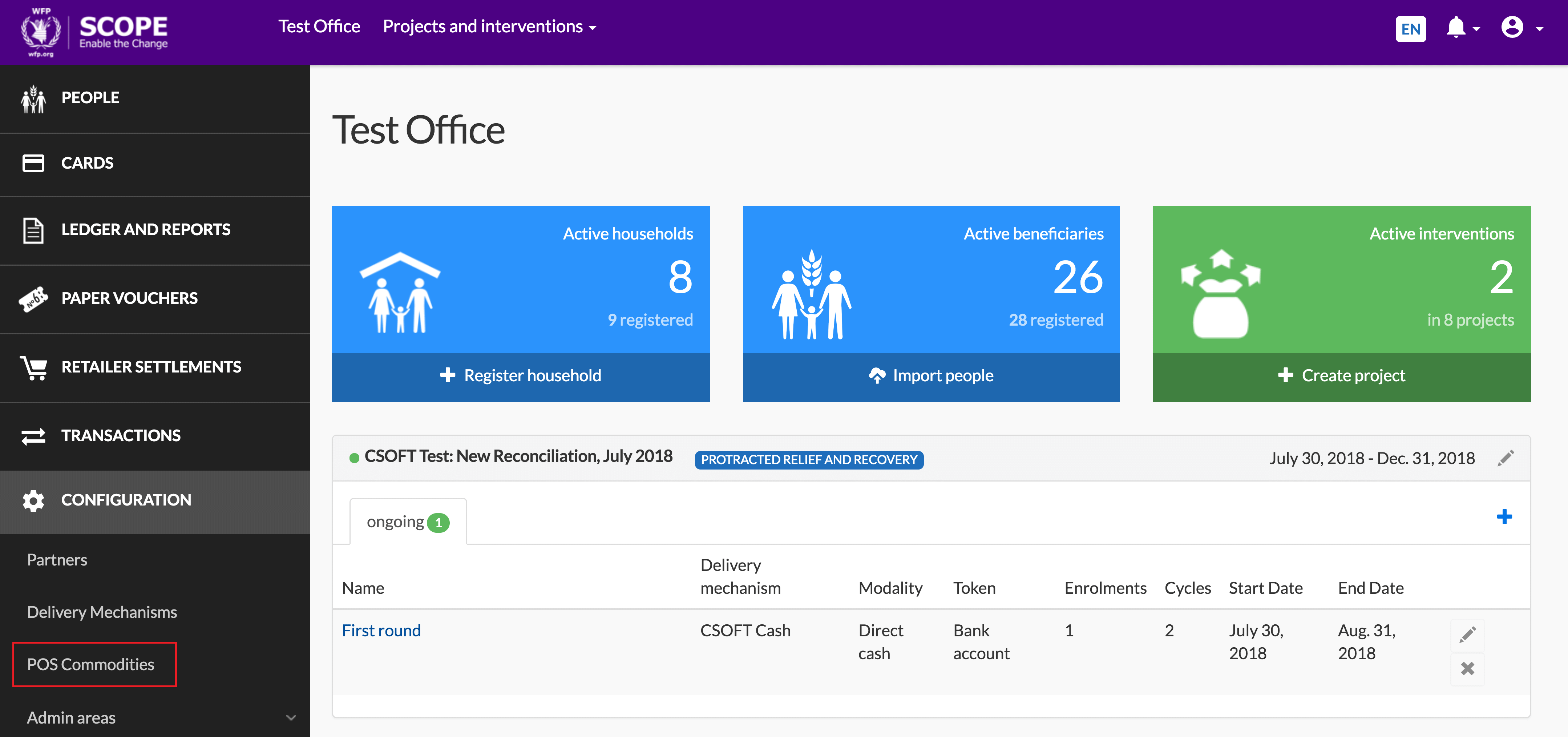
In the Country Office page, click in the menu.
-
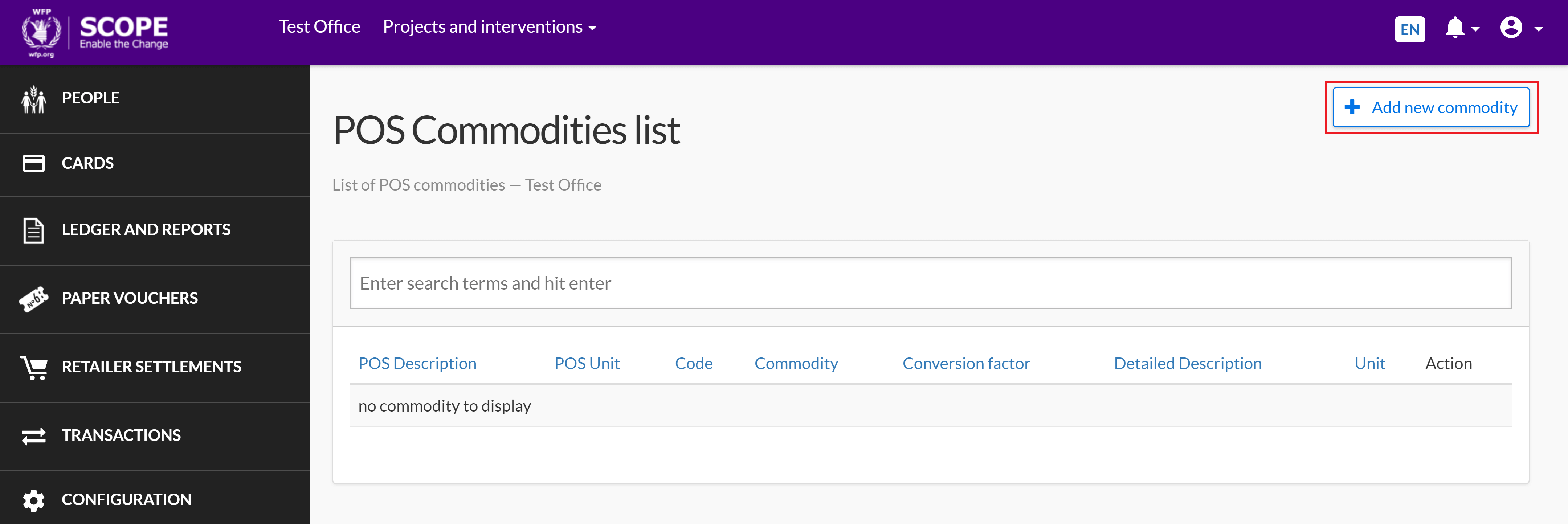
In the POS commodities list page, click .
-
In the Commodity page, enter the commodity details into the fields.
Note: Fields with a red asterisk () are mandatory.
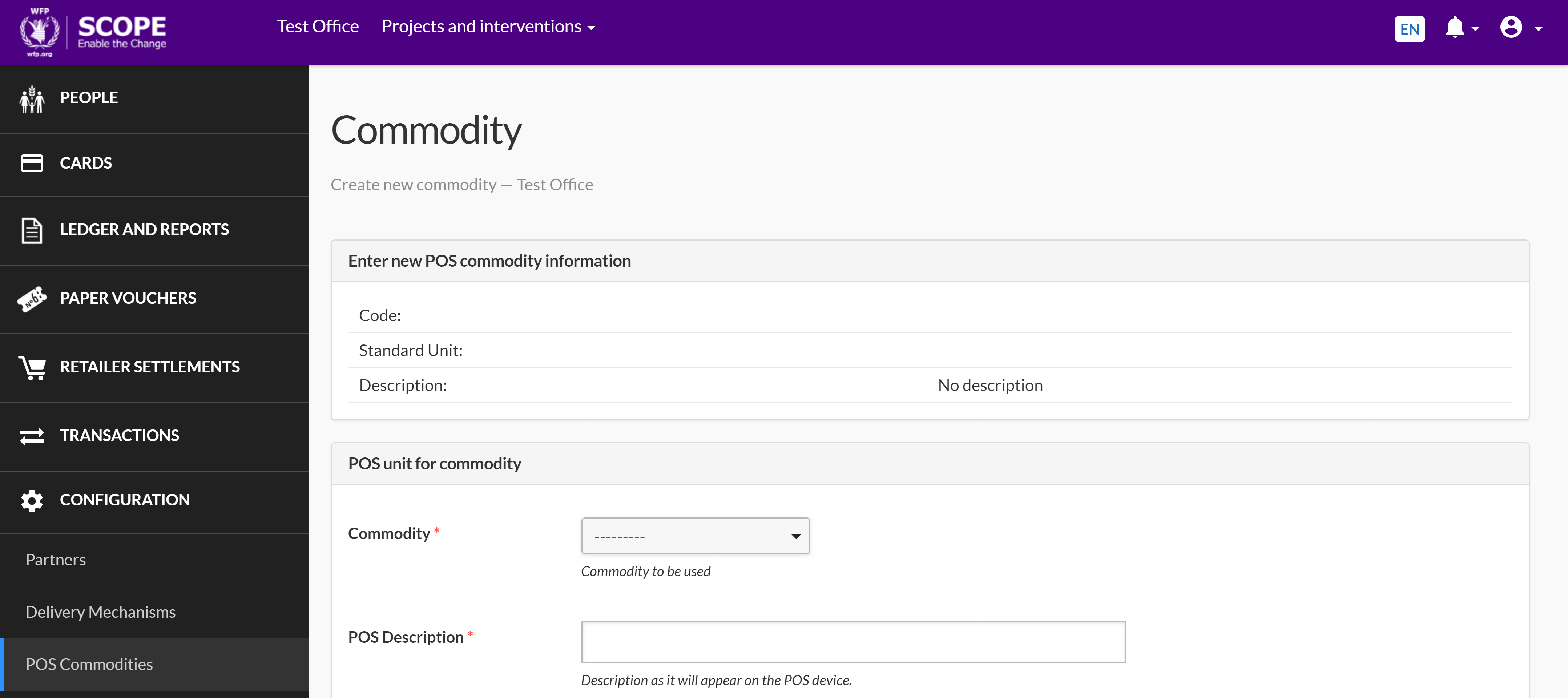
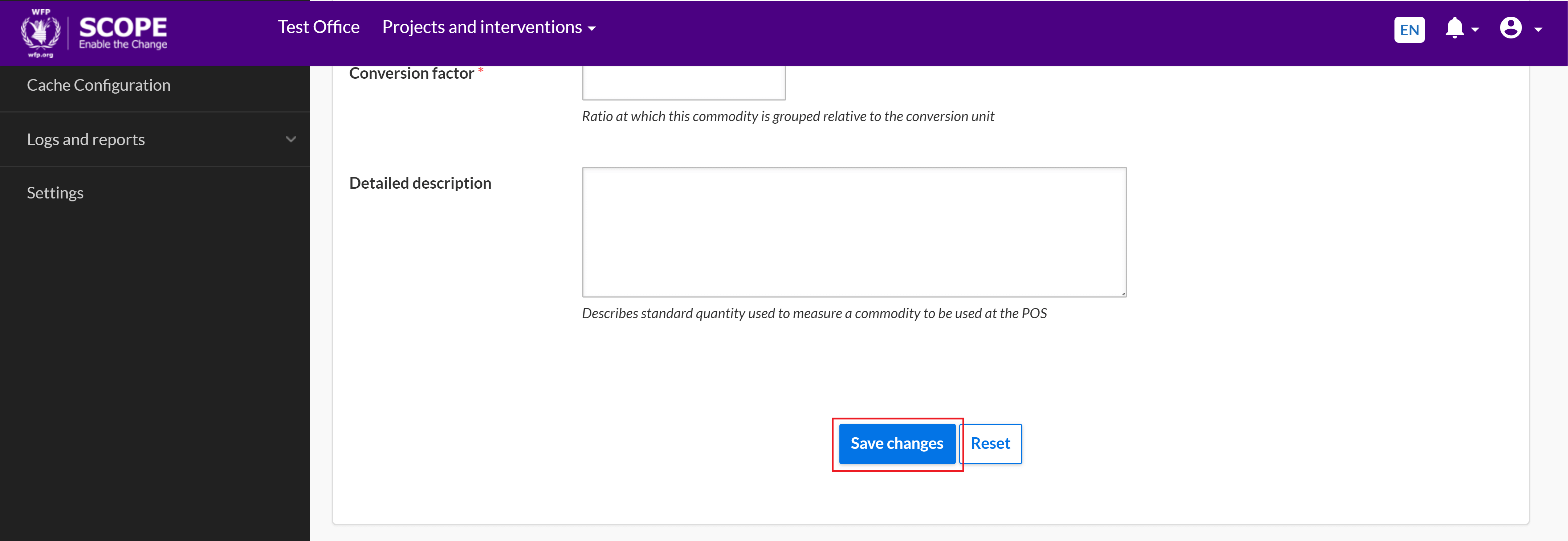
For more information on the data fields, see POS Unit For Commodity Fields.
-
Make sure the data you have entered is correct and click to finish creating the POS commodity.